Programme, layouts, automation, live notices, media library, schedules, screens, governance, interface. Ready for your house.
Programme
Connected once, always current
One connection to the system that already holds your programme, and the screens stop being a second place where the season has to be maintained. A feed that briefly returns nothing cannot empty your screens.
Scheduled and on-demand sync
The programme is fetched on its own cadence; an operator can force a sync and read the result immediately.
Adapts to your export
If your house system speaks its own format, it gets an adapter instead of a data-entry project.
Your edits survive
Imported data and editorial changes are stored separately, so a better title or image is never overwritten.
Images ingested, not linked
Production photography is validated, stored in your own media library and de-duplicated.
Cancellations handled
A cancelled performance is shown as cancelled and removes the content that was generated for it.
Staleness reported, never rendered
If the source stops answering, operators see it. The screens keep showing the last known-good programme.
Sponsors, merged and tiered
House sponsors and production sponsors are merged and ranked by tier, with separate logos for light and dark layouts.
The performance day, not the calendar day
A screen does not flip to tomorrow during a late curtain call. The rollover is configurable per house.
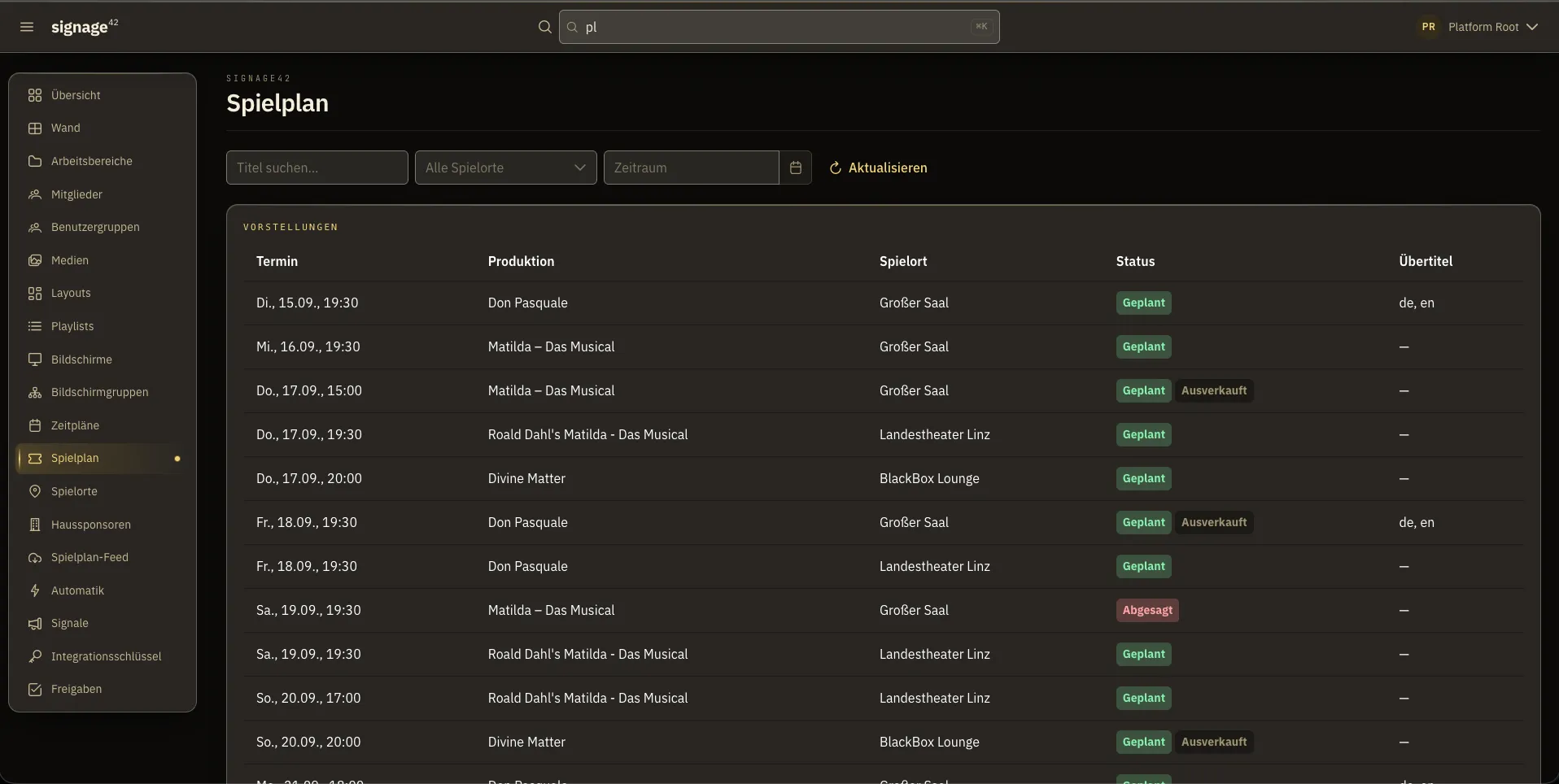
The imported season, exactly as it arrives from the house system: productions, stages, cancellations, sold-out state and surtitle languages.
Programme layouts
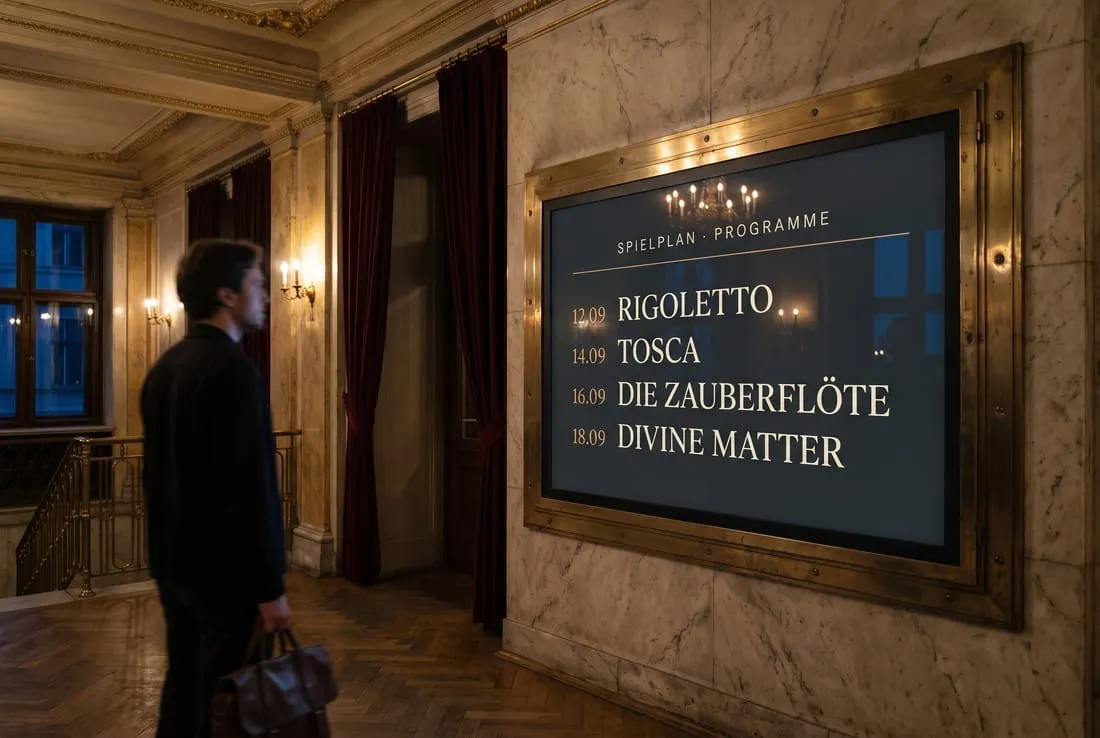
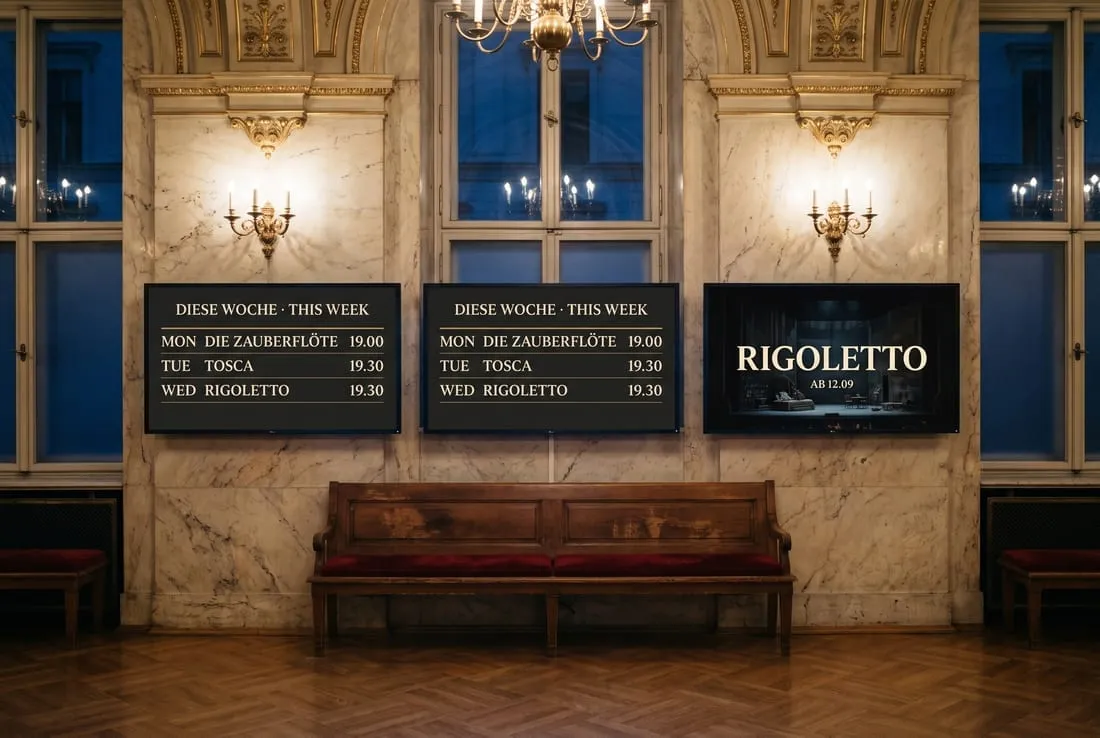
One design that shows the right performance at every hall door
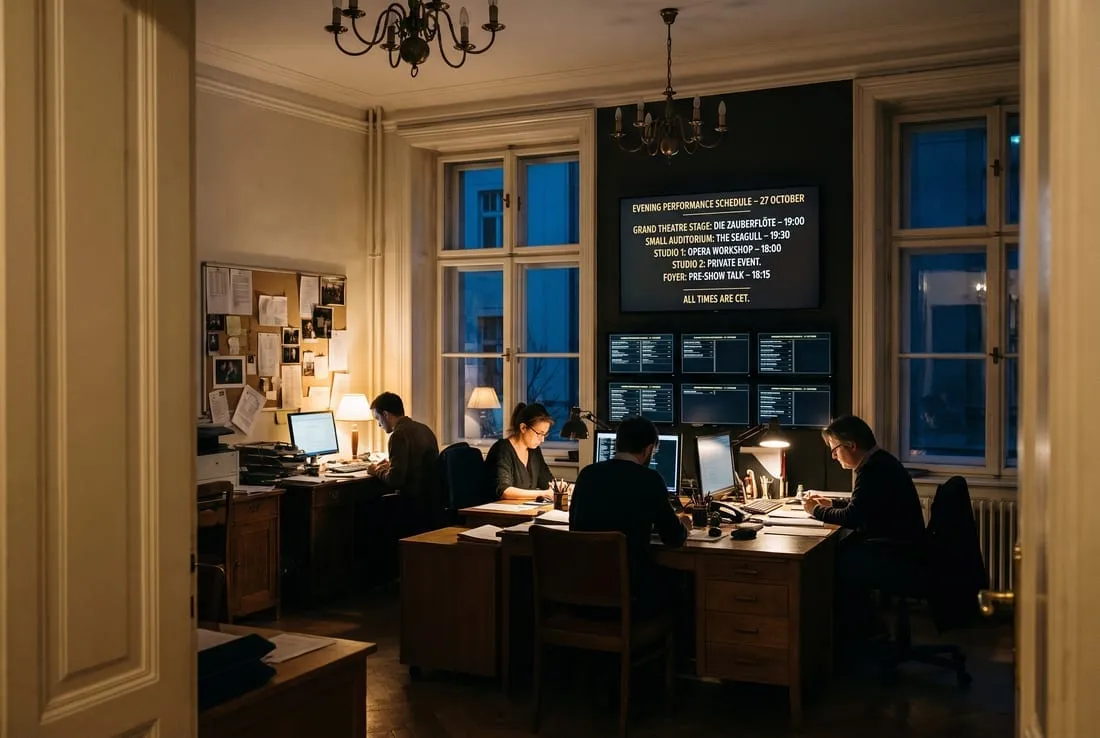
Three layout elements render the programme itself. They join the imported season at display time, resolved per screen. That is what lets one design, deployed house-wide, show each foyer its own stage.
Performance detail
One performance, large: the running one or the next one, with title, time, venue, images and credits.
Rolling schedule
The next days, grouped by day, with venue names where the screen covers more than one stage.
Sponsor strip
Tier-weighted, rotating, merging the house set with the sponsors of the production on stage.
Starter templates
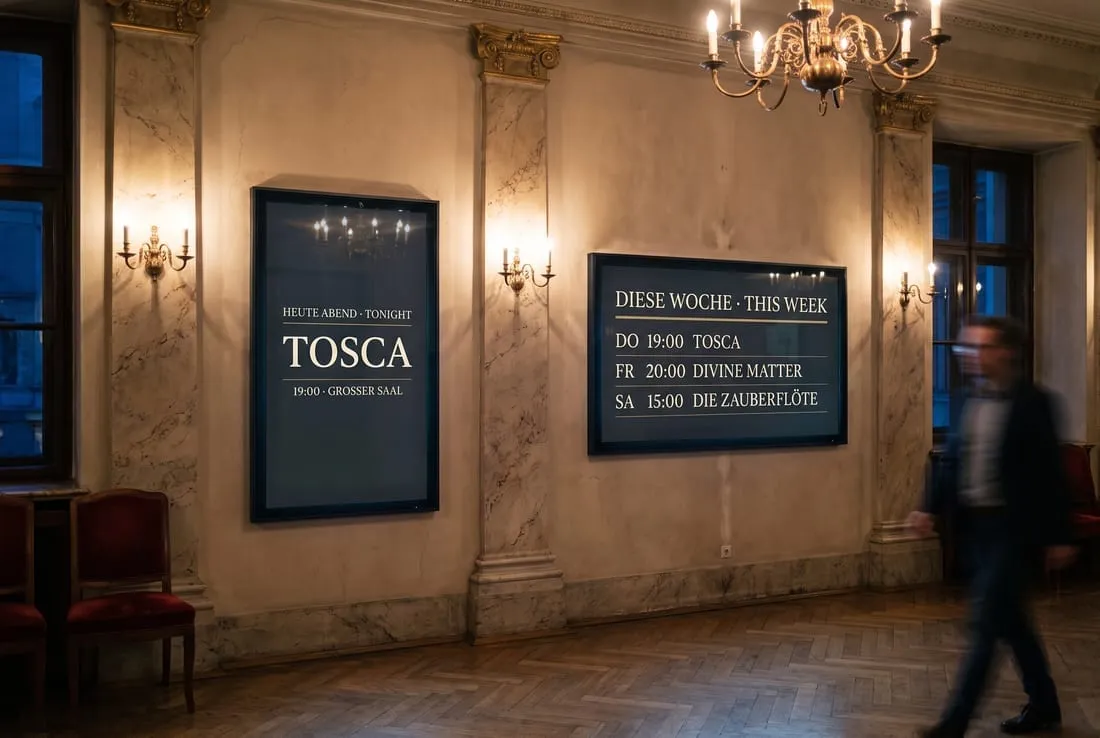
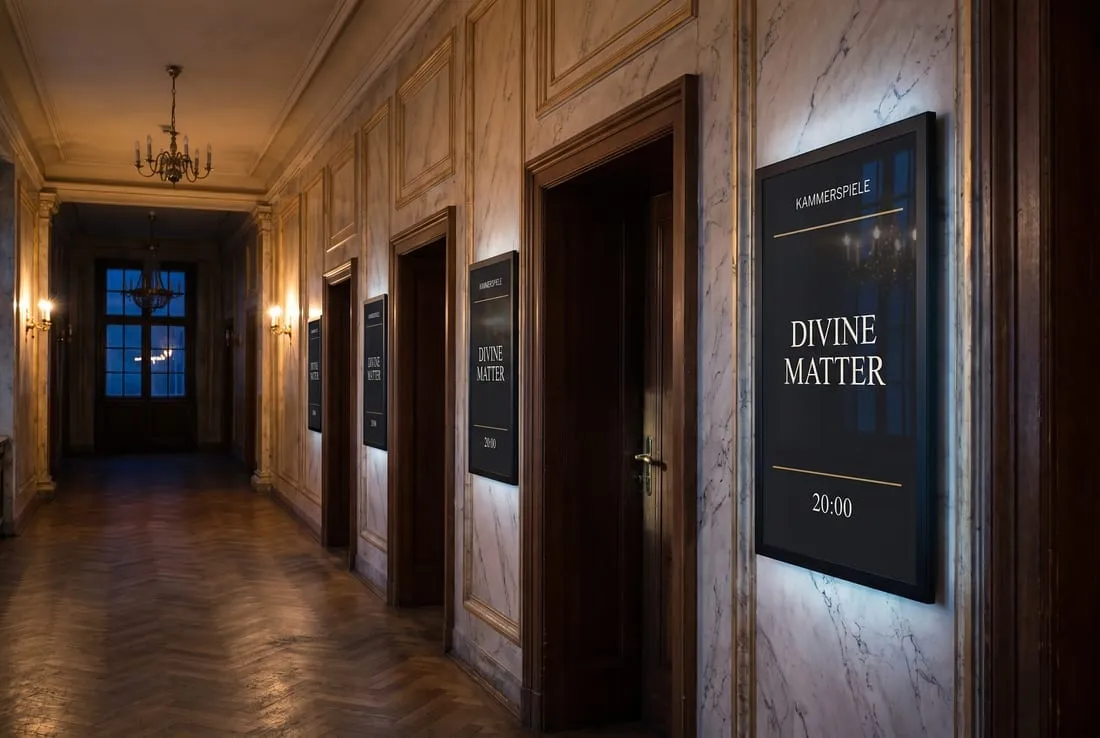
“Tonight: entrance panel” in portrait, “Foyer: tonight & this week” in landscape, “Lobby: What’s On” for screens that also carry promotion. Clone and adjust.
Scope as a setting
This screen’s stage, this building, or the whole house, so the same layout travels.
Rollover without republishing
The programme travels on its own channel, so midnight changes the layout on its own.
LayoutFoyer layoutPerformance detail · scope: this screenpublished once, house-wide
bound to: Main Hall
TonightDie Zauberflöte19:30 · Main Hall
bound to: Studio Theatre
TonightDer Kirschgarten19:00 · Studio Theatre
bound to: — no stage —
empty, on purpose
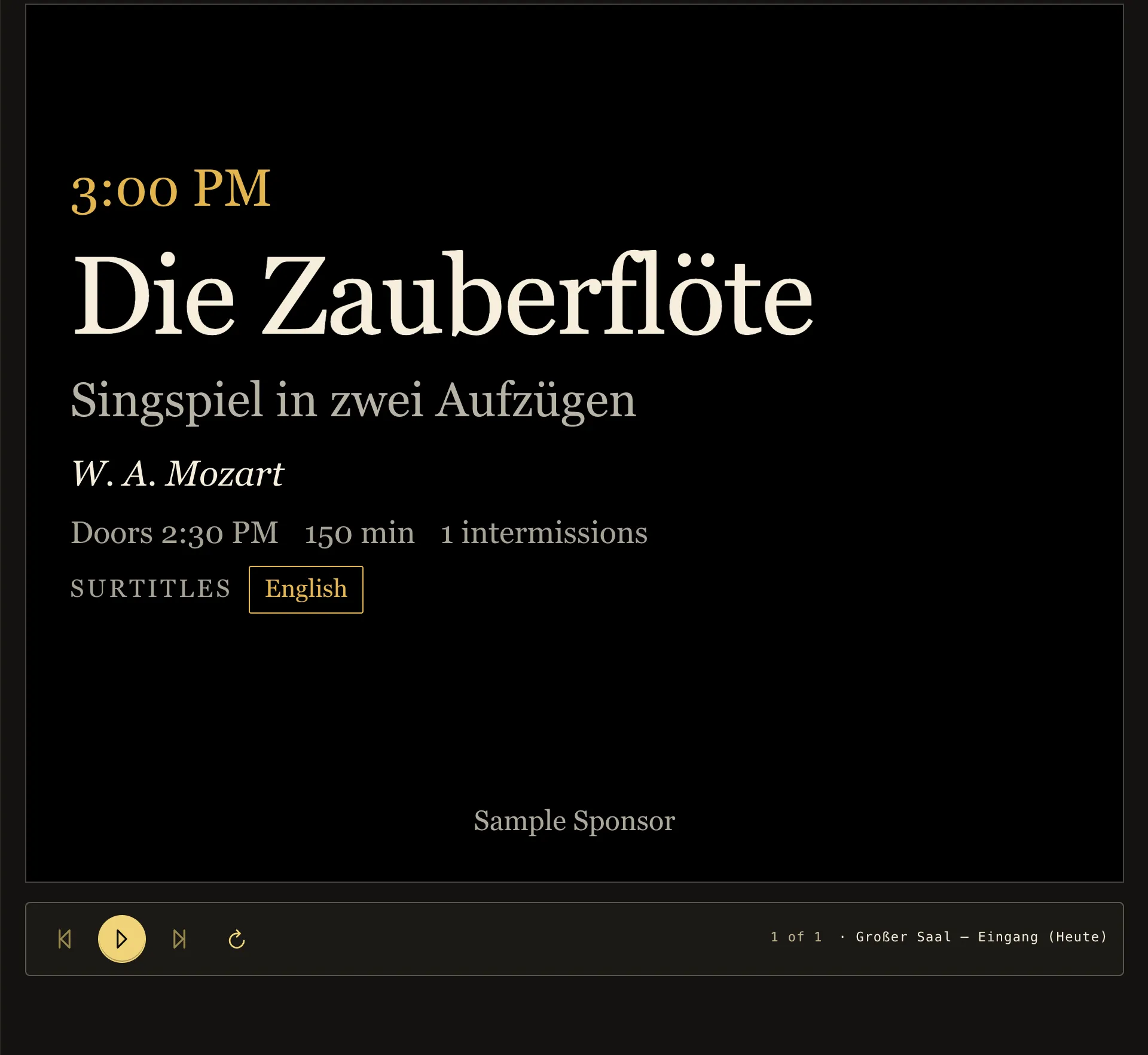
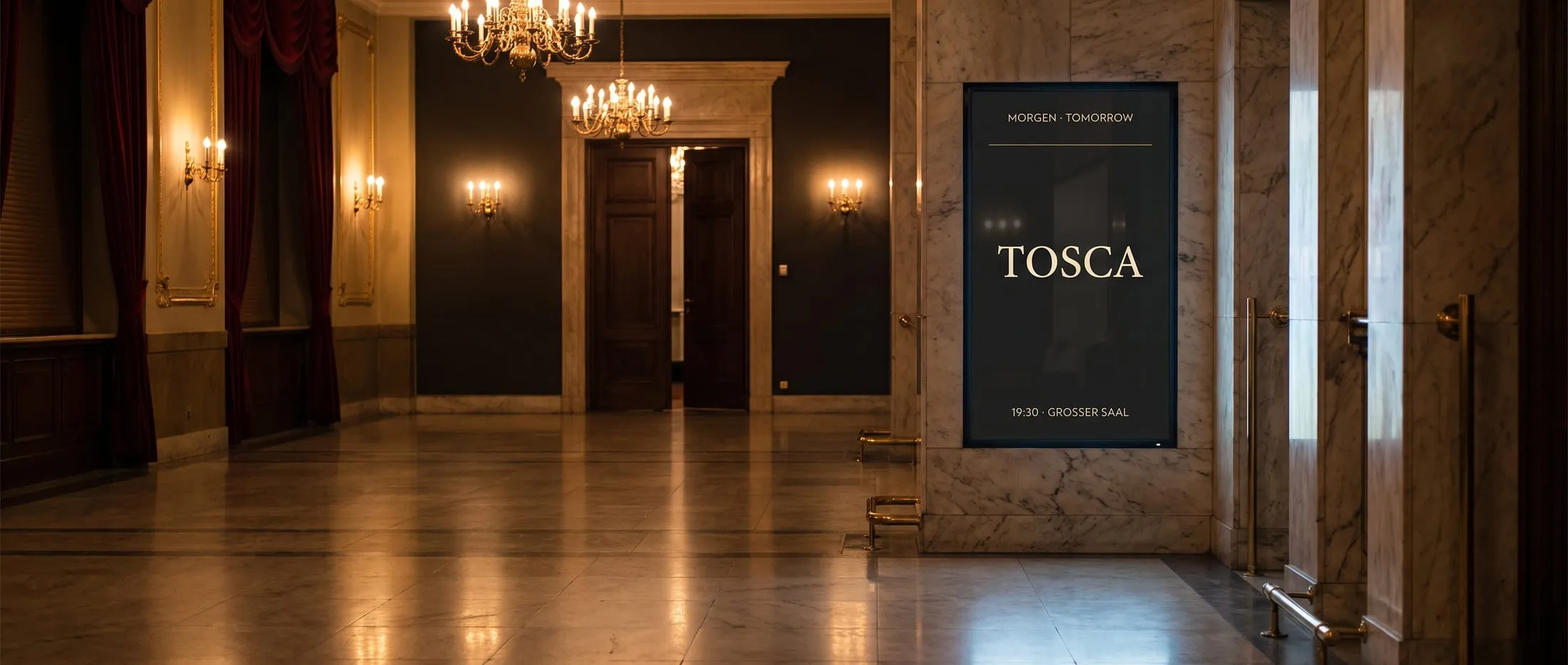
The screen preview in the admin shows the entrance panel as it runs at the hall door: the same rendering, the same code as on the screen.
Automation
“Ninety minutes before every performance in the Main Hall.” Said once, it holds for the whole season.
A performance rule is a template over the whole season rather than a one-off entry. It generates ordinary schedules that can be inspected, previewed and overridden, and regenerates them every time the programme changes.
Time relative to curtain-up
Windows anchored to each performance rather than to the clock.
Cancellation cleans up after itself
Remove the performance and the schedules it generated go with it.
Approve the rule, not its output
One approval covers the whole season the rule will produce. Nobody signs off two hundred generated entries.
Per-production content
A rule carries a default playlist; any single production can override it. A house style with room for a Ring cycle.
Signal-triggered
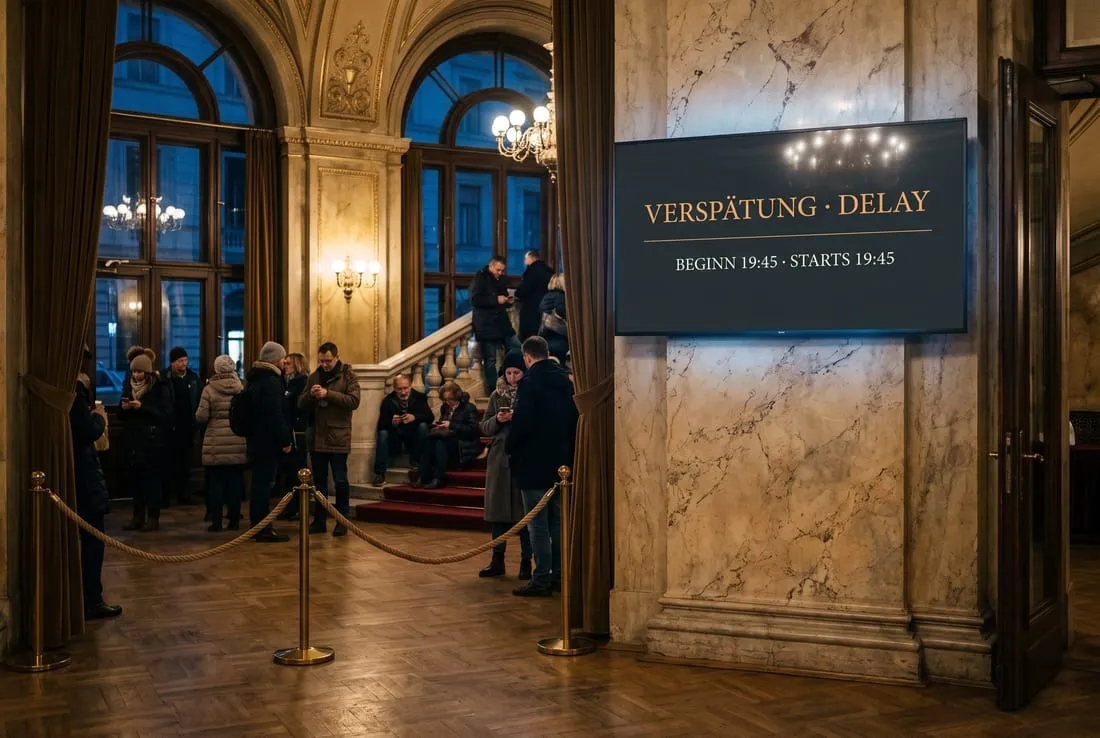
Content that appears only while the house is in an interval or a delay, evaluated live.
Rule · Entrance panel, Main Hall
„from 90 minutes before curtain until curtain, for every performance on this stage“
Wed 19:30generated
Thu 19:30generated
Fri 15:00generated
Sun 19:30generatedcancelled → removed
Tue 19:30generated
Live notices
On air at once, gone by itself
Emergency, delay, interval or any other message that matters right now: one click, and the affected screens show it at once. Raised by front-of-house or directly by your cue or building system. Every notice carries an expiry, so a forgotten one still ends by itself.
Scoped to what is affected
One stage, one building, or the whole house. Emergency defaults to everything.
Fixed priority
An emergency outranks a delay outranks an interval. There is no ambiguity to configure.
Emergency content is pinned
Kept ready on every screen in a store that ordinary media can never evict. It plays with the network down.
Survives a screen restart
A screen that reboots during an interval asks what is going on rather than waiting for a message it already missed.
Repeat-safe
A system re-sending every thirty seconds extends one signal instead of producing a hundred rows.
Visible and audited
A persistent banner shows operators exactly what is overriding the house, who raised it, and when it lapses.
Raise a signal. It expires on its own. Priority: Emergency › Delay › Interval
Main Hall · 1
TonightDie Zauberflöte19:30
Main Hall · 2
TonightDie Zauberflöte19:30
Studio Theatre · 3
TonightDer Kirschgarten19:00
—
Authoring
Images, video, PDFs, live web pages: drag and drop onto the screen
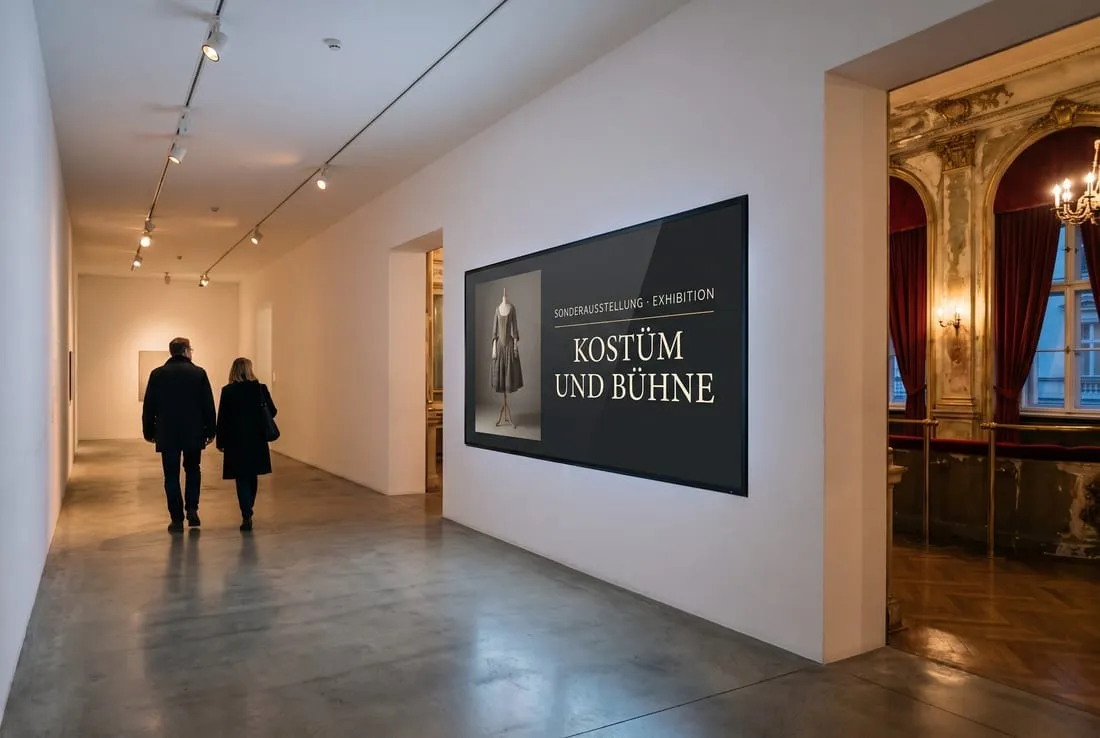
Beside the programme, a full authoring system for classic content: trailers and video, campaign imagery, sponsor logos, exhibitions, catering, house rules, wayfinding. Upload, arrange into a playlist, place in a layout. The preview shows literally what will play.
Media library
Images, video, PDF, interactive bundles and live web pages, in folders, uploaded by drag and drop.
Video handles itself
A video contributes its own real duration to a playlist without anyone measuring it. Thumbnails appear on their own.
Versions instead of overwrites
Replacing an asset adds a version. Published playlists keep playing the version they were published with.
Recycle bin with retention
A deletion is recoverable for thirty days, and an asset still in use cannot be removed by accident.
Grid layout editor
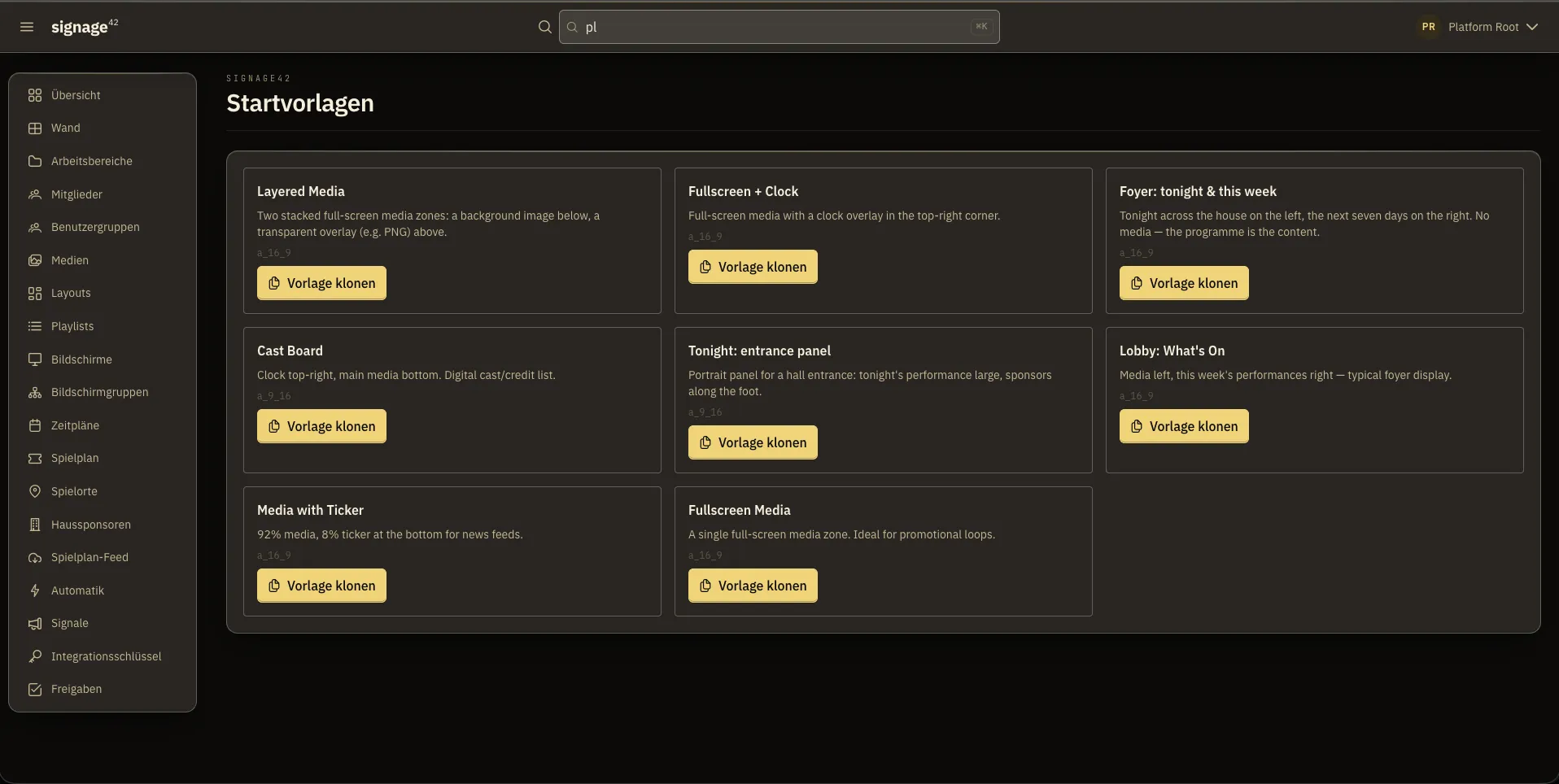
Zones on a grid, in 16:9, 9:16, 1:1, 21:9 or a custom ratio, with starter templates to clone.
Live web pages as content
A web page as a zone, isolated from the rest of the screen and behind its own permission.
Playlists that compose
Drag to reorder, sequential or weighted-random playback, and playlists nested inside playlists.
Preview before anyone sees it
In the editor, at the real aspect ratio, rendered exactly as on the screen.
Premiere · Main StageCarmenGeorges Bizet · Tickets at the box office▶ Trailer · 0:42
Special exhibition, North WingThe Costumes of a Season3 October to 18 January · daily 10am–6pm
With thanks to the partners of the house
NORDBANK
Hotel Aurora
Bruck Roastery
cityworks
During the intervalSparkling wine, pretzels and a view over the cityFoyer bar, second circle · pre-order at the counter
This week
Wed 19:30Die ZauberflöteMain Hall
Thu 20:00RigolettoMain Hall
Thu 19:00Der KirschgartenStudio Theatre
Playlist · West Foyer
Trailer0:42
Campaign0:10
Sponsors0:08
Foyer bar0:10
Programme0:15
Ready-made templates to clone: the portrait entrance panel, the foyer layout with tonight and this week, a cast display, media with a ticker.
Schedules
Always-on, one-shot, recurring. And a clear rule for who wins.
Every house eventually has two things pointed at the same screen at the same time. signage42 resolves that unambiguously by priority and shows you the outcome before you commit to it.
Recurrence without the syntax
A plain-language builder: every Tuesday, weekdays only, the first of the month.
Screens and screen groups
Target one panel or every screen in the west foyer, as one group.
Conflict preview
Before publishing, see which schedules a change will beat and which screens it will lose on. Named, not guessed.
Timeline and calendar views
What a given screen will actually play, hour by hour, and a calendar across all schedules.
Draft and live side by side
Edit a live schedule as a draft, compare, then promote.
Only published content reaches glass
A schedule cannot show a draft. The safety rail is in the system, not in a convention.
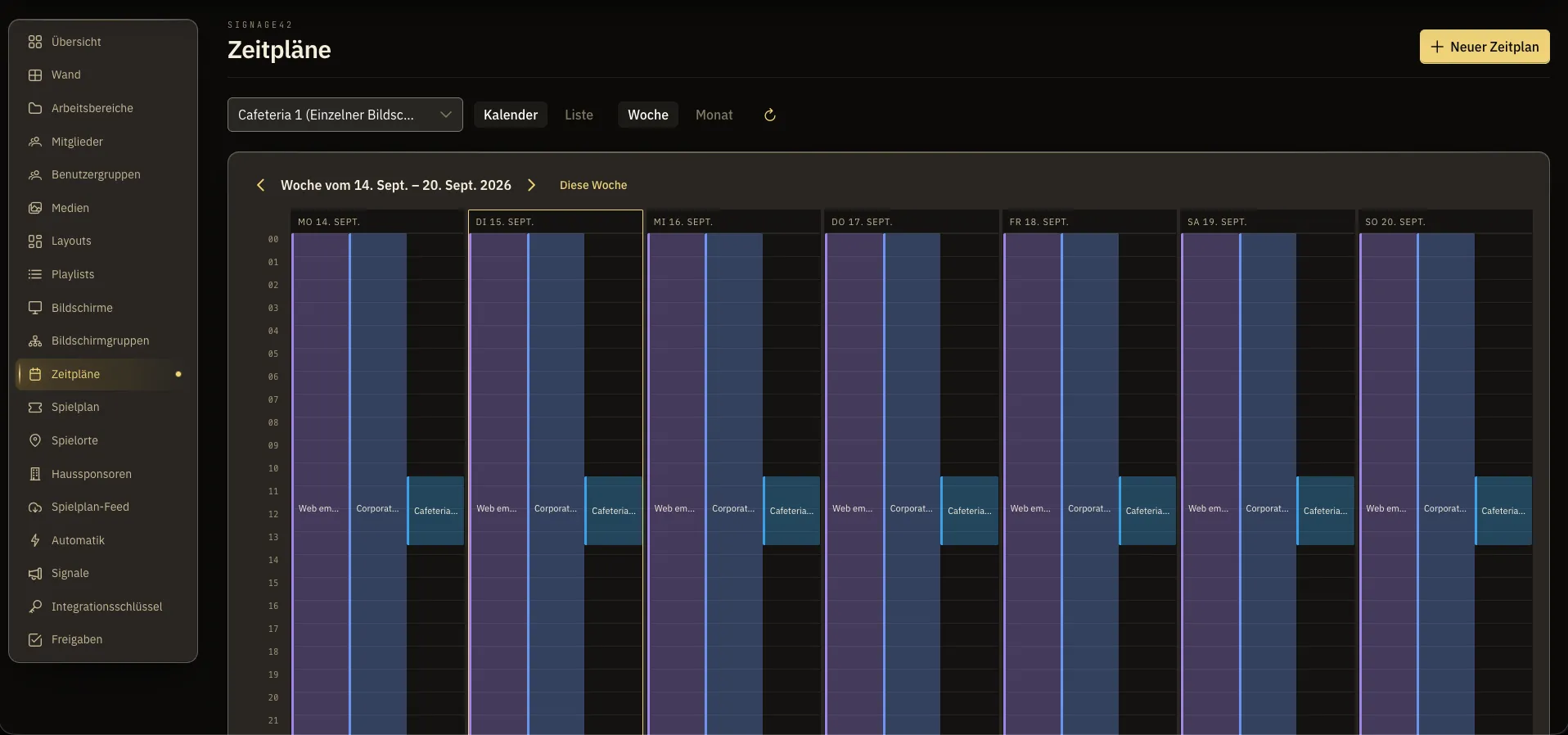
One screen’s schedules in the week view: what plays when, day by day, with calendar and list views.
Screens
Small computer, smart display or browser. The player runs anywhere.
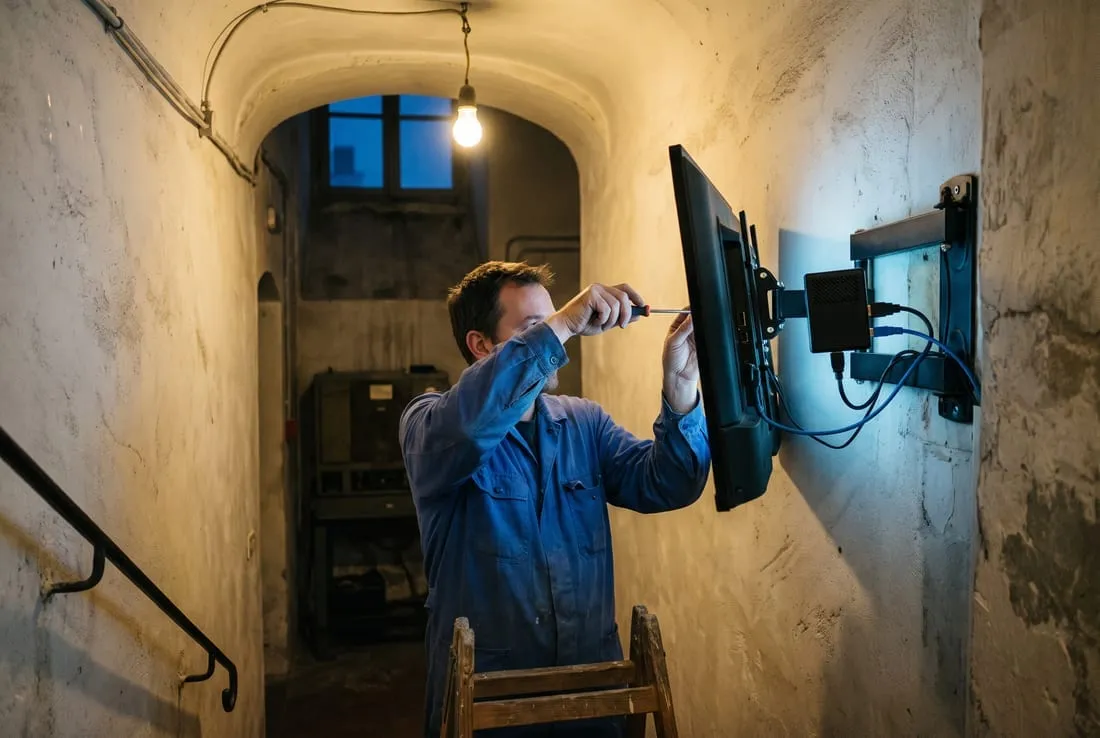
The player runs on a small computer behind the panel, on a smart display, on anything with a modern browser. It keeps playing when the venue network does not, which in a listed building with improvised cabling is not a hypothetical.
Pairing in under a minute
The panel shows a short code, an operator claims it, and the screen is live. No files, no keyboard at the screen.
Instant revocation
A revoked screen is out on its next call. A stolen device shows nothing.
Offline survival
Media and the schedule are cached on the device, several gigabytes of it. An outage is invisible in the foyer.
Health at a glance
Every screen checks in regularly. The overview groups, filters and counts every device in the house, live.
Seamless transitions
The next content is pre-loaded. A crossfade shows finished content, not a flash of empty zones.
On-site diagnostics
For the technician standing in front of the panel: what it thinks it is, what it is playing, when it last heard from the server.
Per-screen language and timezone
Each screen labels itself and computes its own performance day.
TonightCarmen19:30 · Main Hall
onlineoffline
18:00playing
18:15network drops
18:15–20:10keeps playing, from cache
20:10network is back
Visible in the foyer: nothing at all.
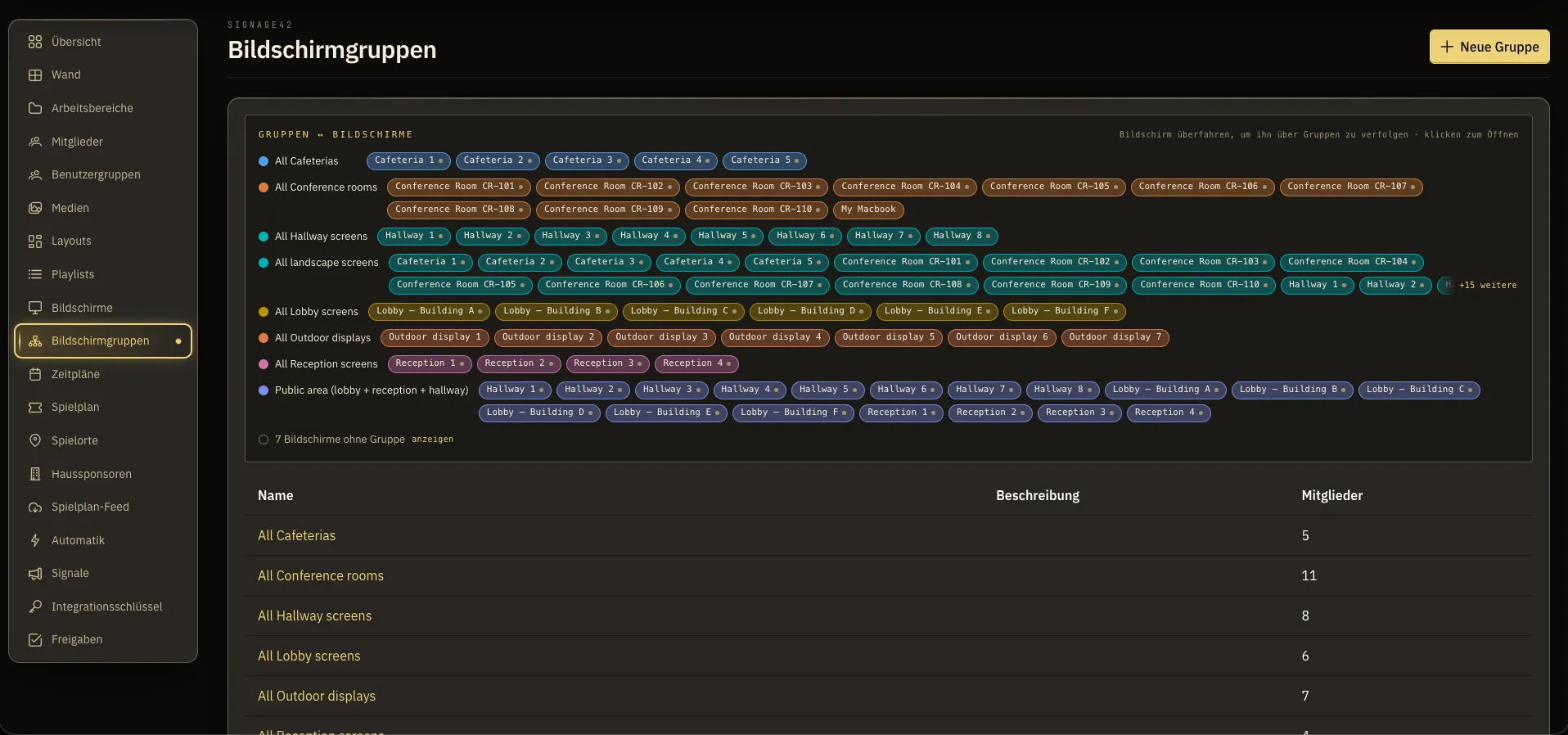
Screen groups: which screens play together, at a glance. A screen can belong to several groups.
Roles and permissions
Six roles, folder permissions, four-eyes review. And a record of everything.
Marketing, front-of-house, the technical department and an outside agency all need to touch the screens, and none of them should be able to touch each other’s work. The separation is built into the system, not into people’s discipline.
Houses and workspaces
A festival with three houses, or a house with a museum wing, runs as one installation with real separation.
Six fixed roles
Owner, admin, editor, scheduler, viewer, member. Defined once, enforced everywhere.
Folder-scoped groups
A guest curator or an agency sees exactly the folders you grant, and nothing else.
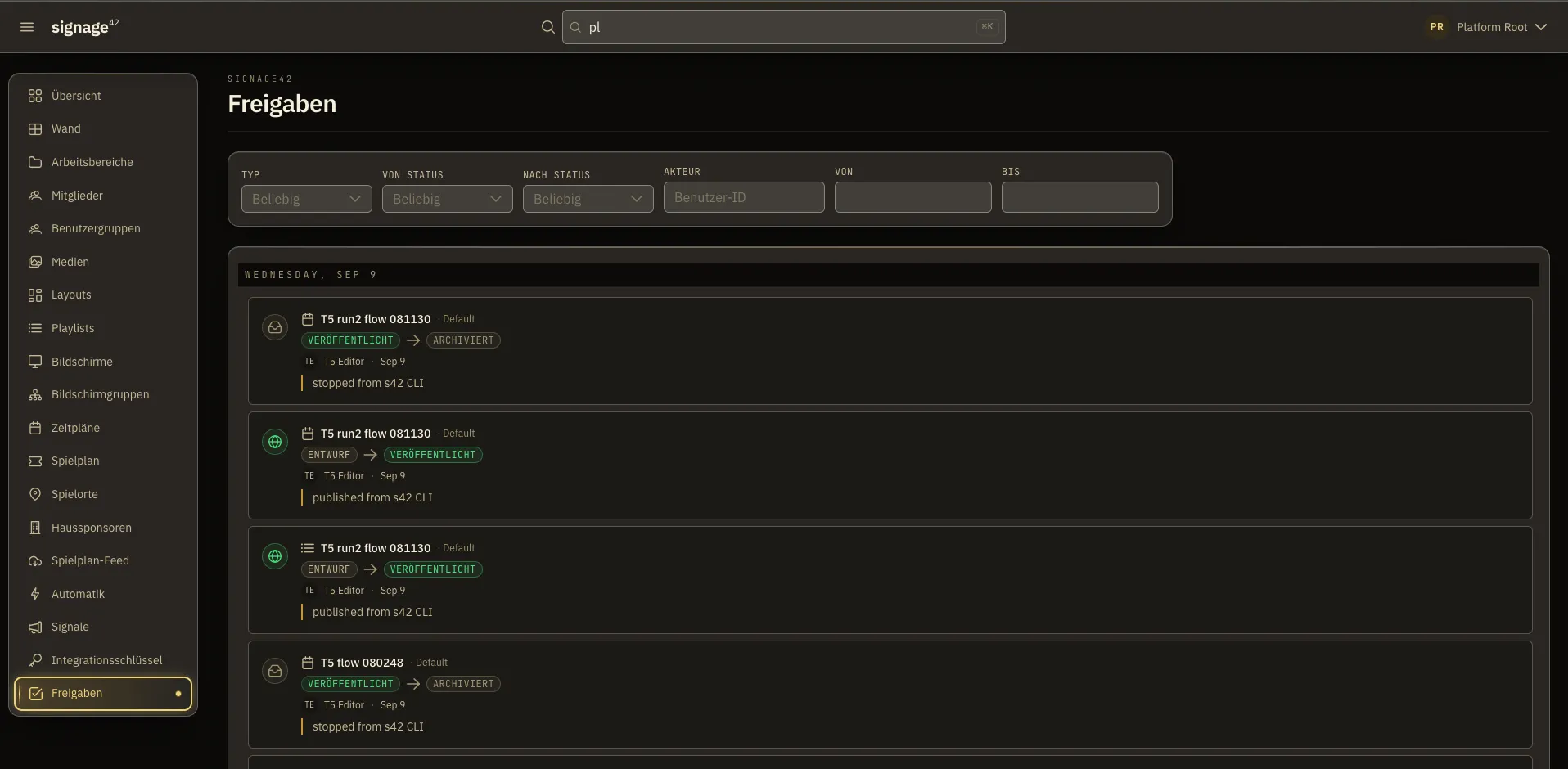
Approvals inbox
A workspace can require review before publishing. Submissions queue, approvers act, and everything is logged.
Audit trail with context
A day-grouped timeline of every publish, approval, signal and programme action, plus a history per item.
Two-factor authentication
A second factor on user accounts, passwords stored to current security standards, sessions revocable on the spot.
Access for building systems
A cue system gets its own credential with an explicit, narrow list of abilities: raise an interval and nothing else.
The approvals history: every publish and every archive with its state change, person, time and comment.
The admin experience
An interface people enjoy using
Built to WCAG 2.1 AA, fully translated, and designed for the reality of the job, including the front-of-house desk in a sunlit foyer. That is why light mode exists and follows the operating system.
German and English, day one
Not a bolt-on. Roles, errors, dates and the programme itself are all translated.
Dark, light, or follow the system
A three-state switch that respects sunrise and sunset.
Live without refreshing
Schedule, health, approval and signal changes appear in open browsers as they happen.
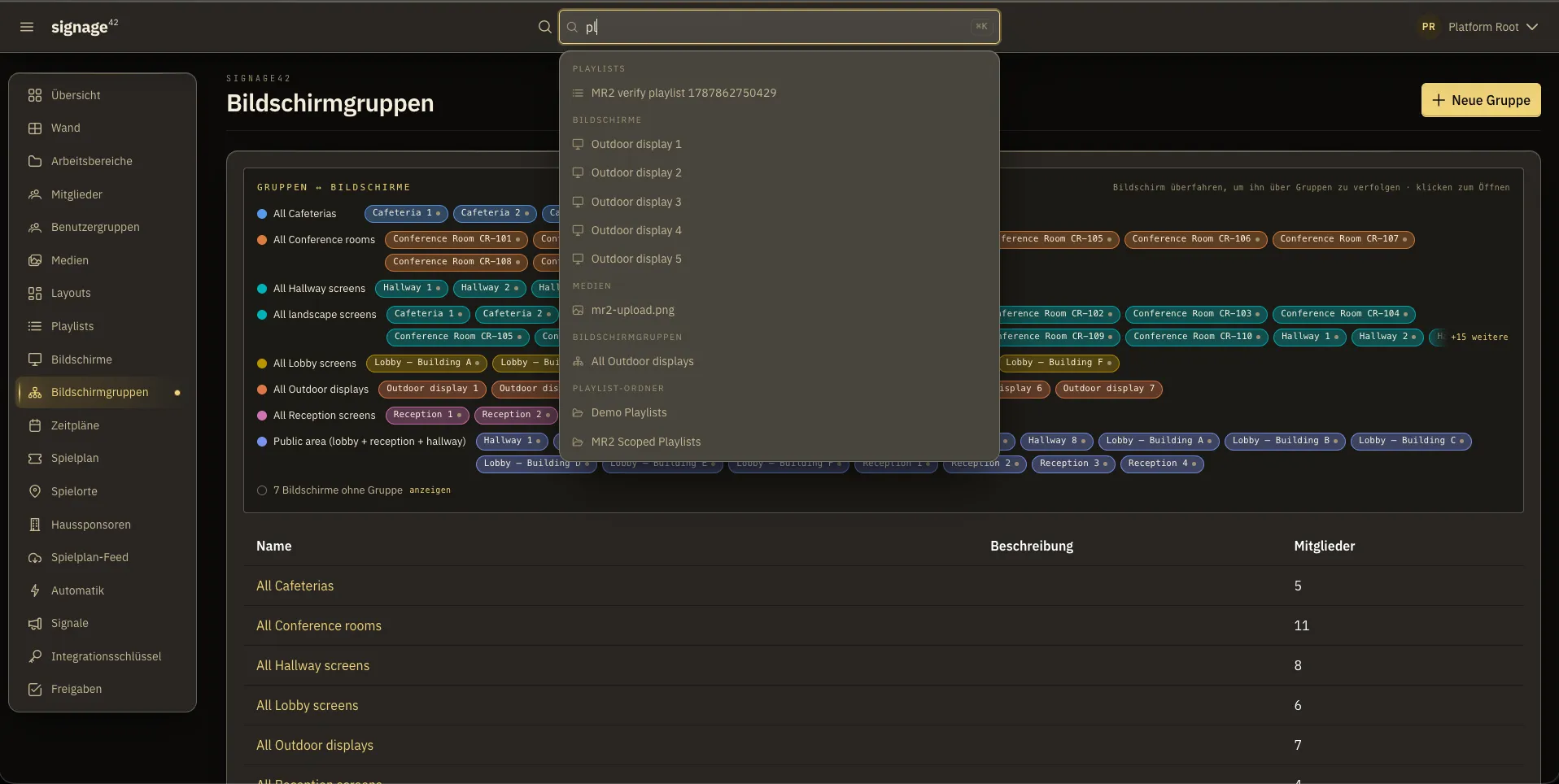
Search across the house
One search field over media, playlists, schedules and screens, scoped to what you are allowed to see.
Safe concurrent editing
Two people editing the same layout get a clear notice instead of a silent overwrite.
Role-aware
Controls a user cannot use are not shown at all.
Guided setup
A new house gets a guided path from an empty system to a screen playing something.
One search field over everything: media, playlists, screens and groups, scoped to what you are allowed to see.
New
Describe what should go on the screens. The AI does the rest and asks before it goes live.
signage42 ships with an AI assistant built on Claude by Anthropic. You describe in plain language what should go on the screens. The assistant uploads, builds the playlist, checks what the screens would otherwise be playing, and asks you before anything goes on air.
›Put the Rigoletto trailer in the west foyer for the next hour.
Trailer uploaded
Playlist “Rigoletto” created
Schedule for “Foyer West”, from now, one hour
Checked: Panel 3 would shadow the takeover
Waiting for your confirmation
It acts as you
With your own permissions, narrowed to authoring: media, playlists, schedules, publishing. Never members, never roles, never settings, and nothing that deletes.
Publishing is the one step that asks
Putting content on a real screen always raises a confirmation. There is no switch that skips it.
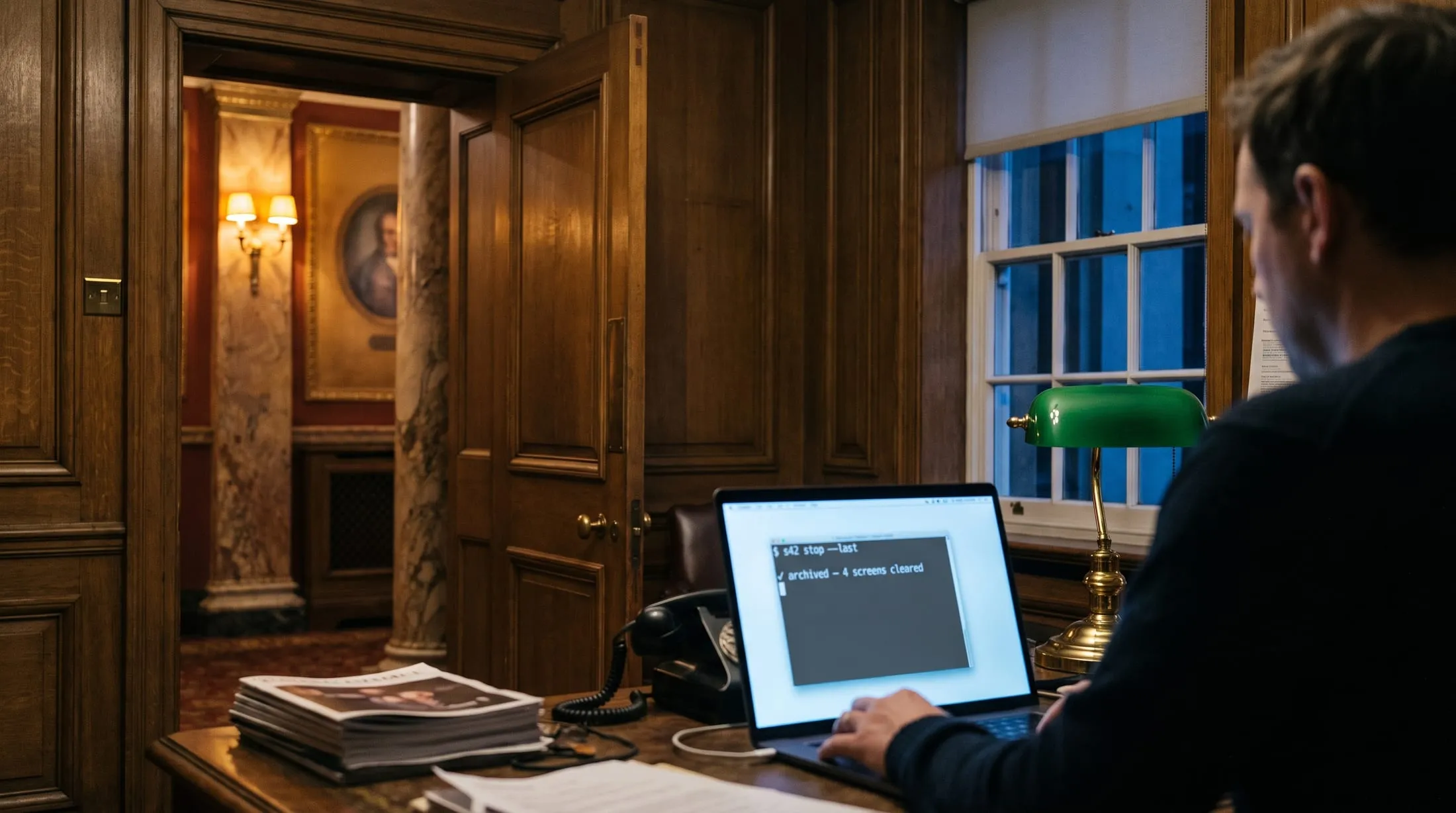
Stopping never asks
One command pulls whatever last went on air. The screens clear in seconds.
It refuses to publish into thin air
Before anything goes live it checks what each screen would actually play, and blocks a takeover that would be shadowed, naming the screens.
Nothing is guessed
Names must match exactly. On a miss it shows what it did find and changes nothing.
Revocation is everywhere
Revoke the access in the web interface and every copy of it stops, everywhere, at once.
Screenshots show a signage42 instance carrying a demo programme.
Demo
See signage42 live in half an hour.
Everything on this page we show you live in signage42, from the hall door to the interval notice, in both languages. Bring the questions of your house.