signage42

Digital signage for cultural venues

Digital signage that understands the programme.

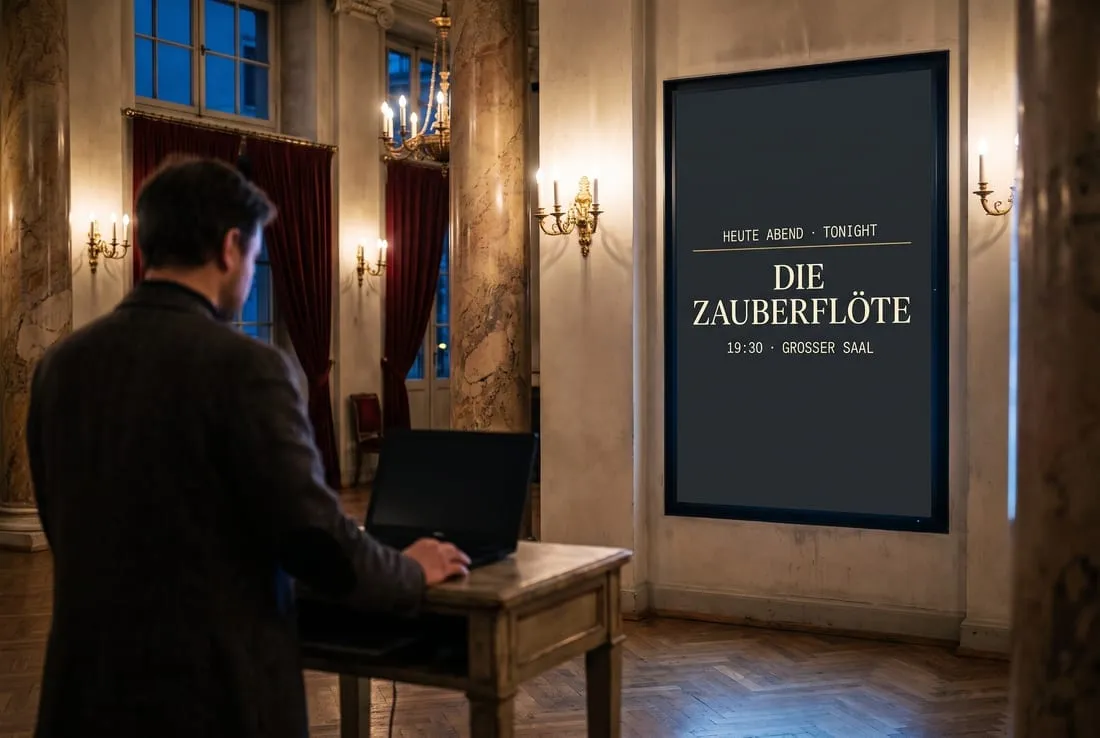
Built for opera houses, theatres and museums: signage42 reads your season and puts it on every screen in the building. Tonight’s performance at the stage door, the coming week in the foyer, the interval notice the second it is called. Trailers, campaigns and sponsors play from the same media library in between.

  • Every capability built, ready for your house
  • German and English throughout
  • On-premise or hosted

Why signage42

A programme never stands still. Your screens should keep up.

A recast at four, a delay at five, sold out at six. Ordinary signage knows nothing of it: it only knows what a marketing team designs and uploads. signage42 does that too, with a media library, playlists and a layout editor. Beyond that, it takes the programme as its source, already authored, scheduled and translated, and keeps every screen current with tonight.
How it works

Set up once, it runs through the whole season.

Seven steps from the programme to the screen. Once they are set up, nobody touches them again: the programme changes, the screens follow.
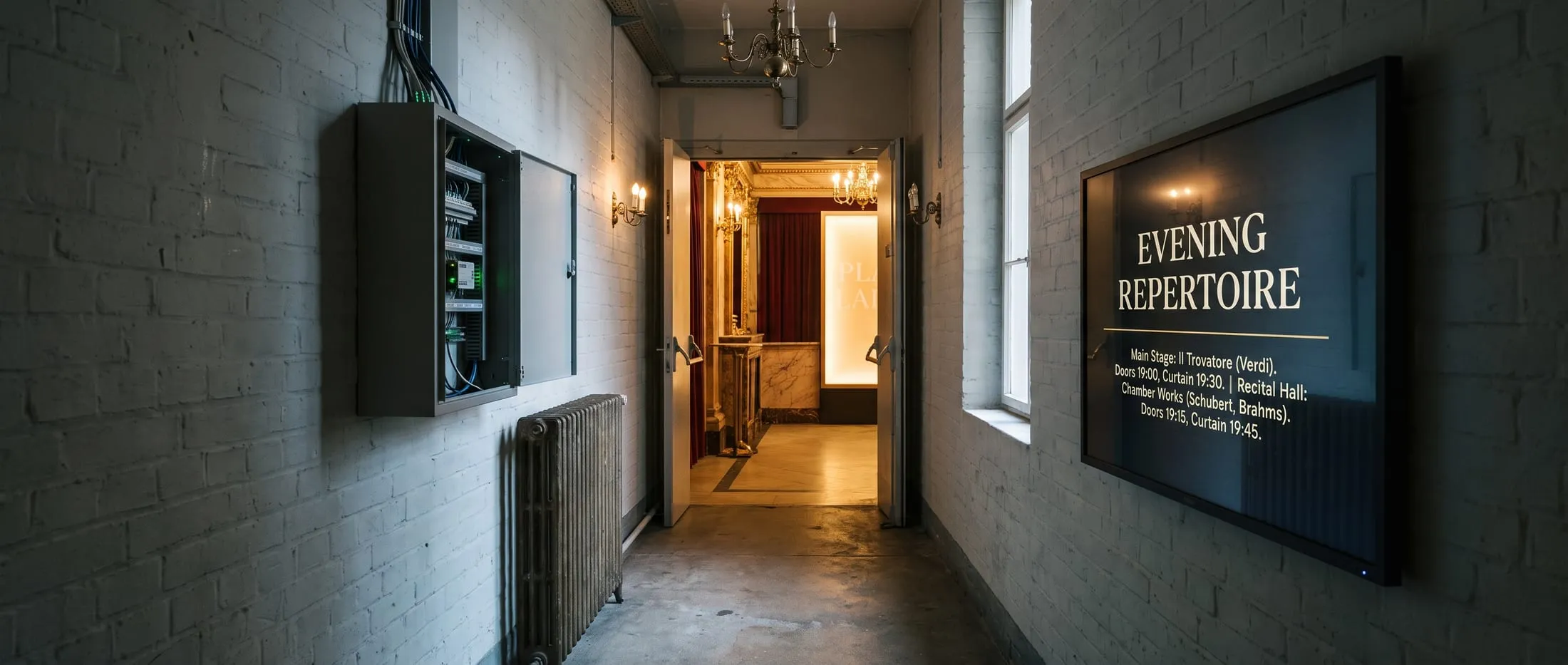
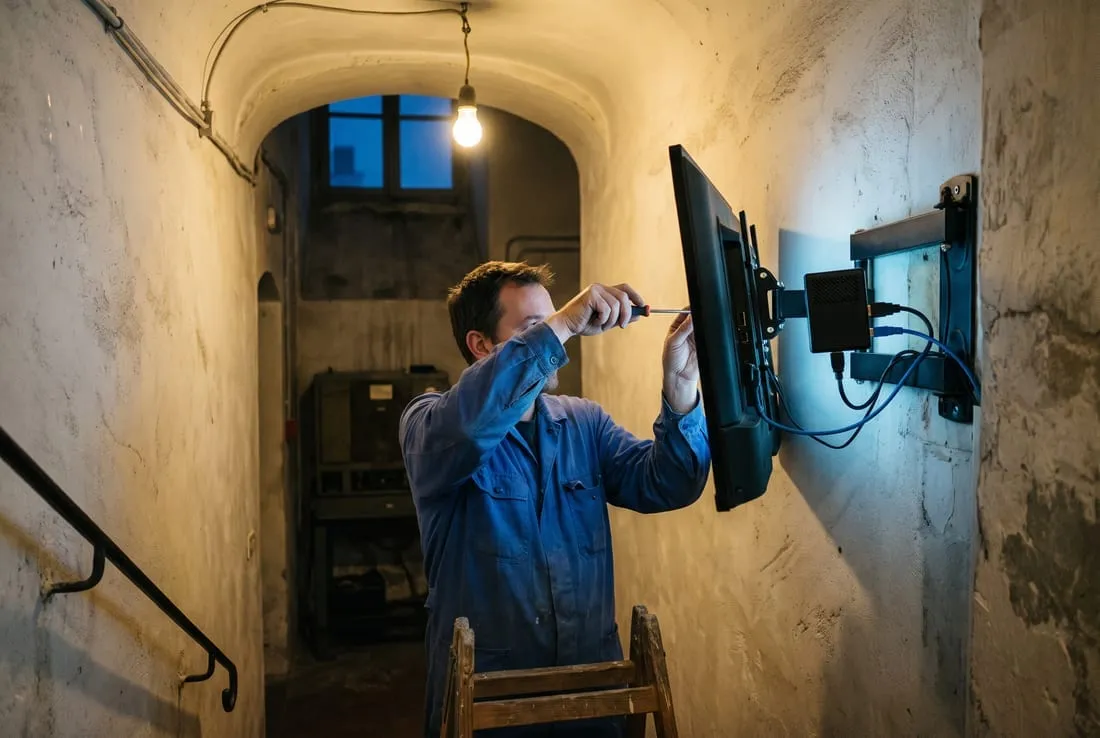
A back-of-house service corridor with an open equipment cabinet, and the lit public foyer visible through a propped fire door at the far end.
  1. 01

    Programme

  2. 02

    Venue

  3. 03

    Screen

  4. 04

    Layout

  5. 05

    Playlist

  6. 06

    Schedule

  7. 07

    Glass

Programme layouts

Design once, publish once.

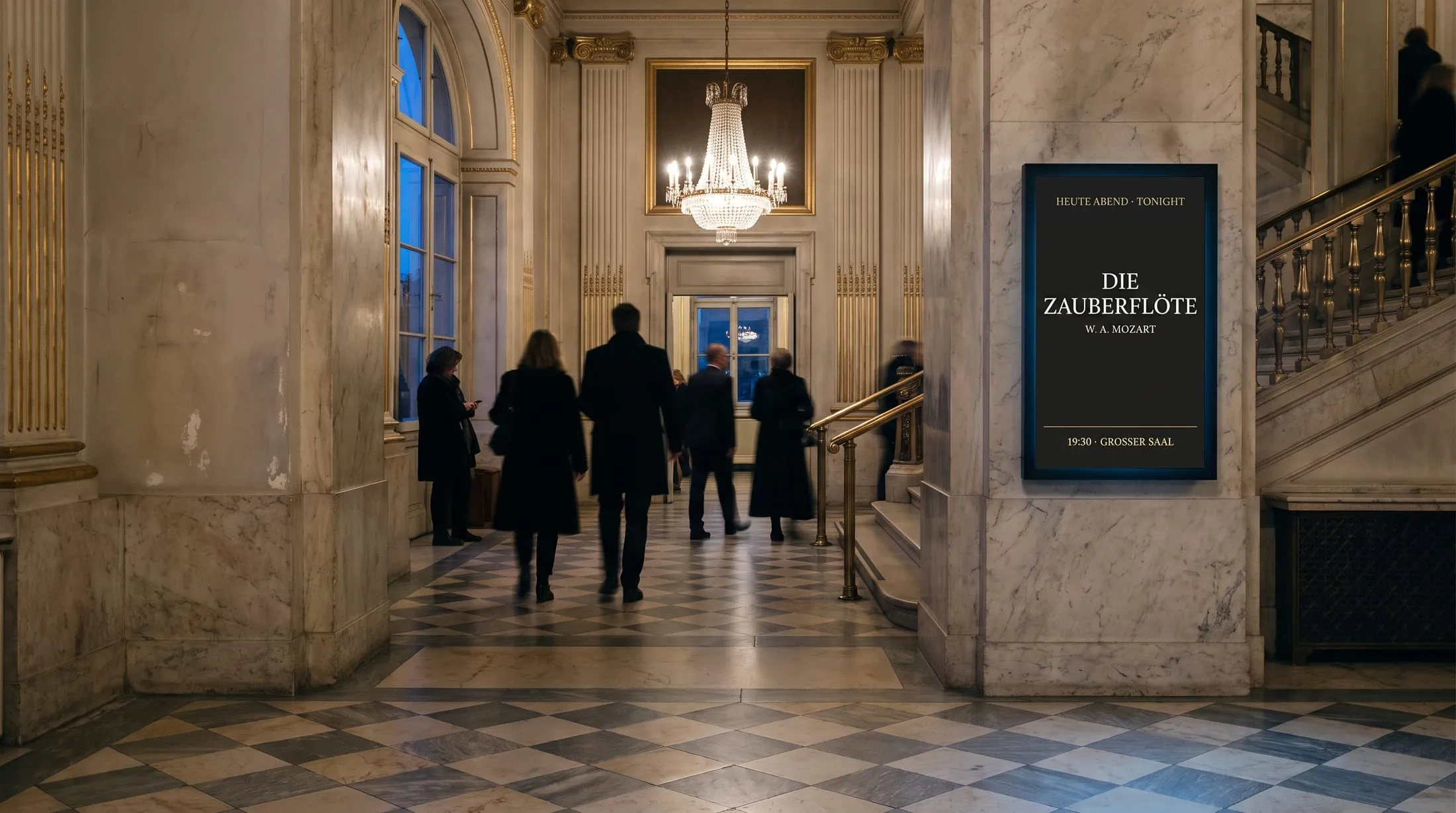
The rest happens per screen, on its own: each one resolves the layout for the stage it is bound to. The Magic Flute at the door of the Main Hall, The Cherry Orchard at the door of the Studio. A screen bound to nothing stays empty on purpose, so a mis-provisioned stage door is caught on day one.

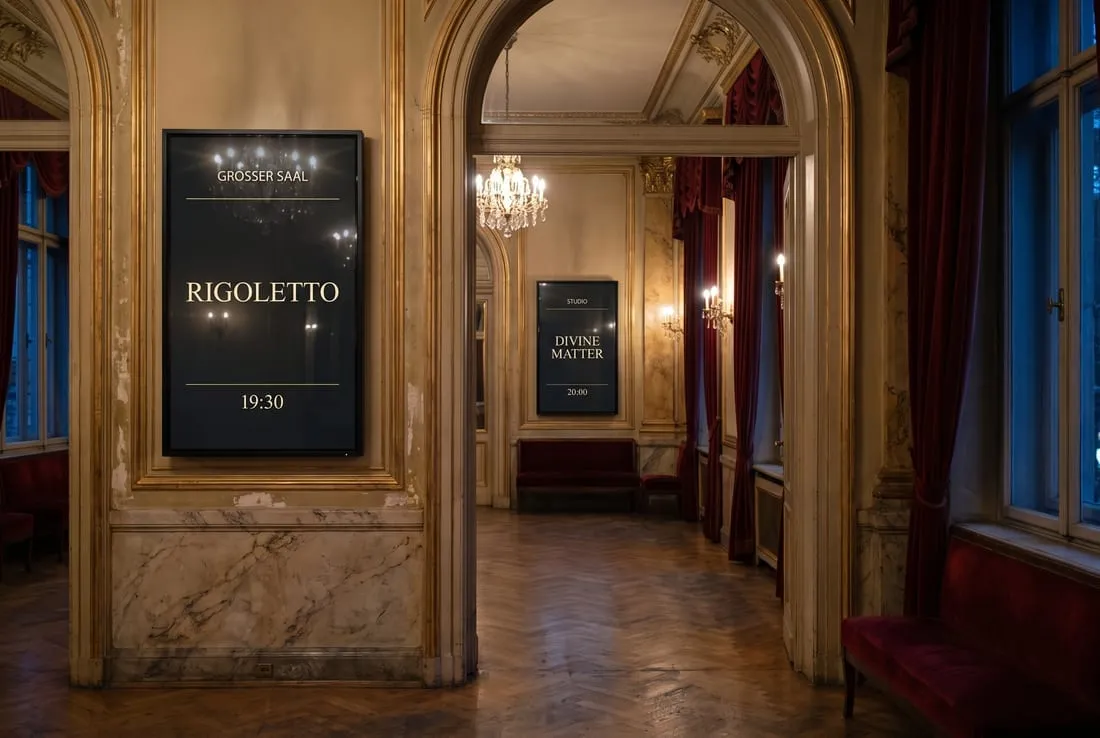
  • Tonight, large: the running or the next performance, with title, time, images and credits.
  • The coming week, grouped by day, with venue names where a screen covers more than one stage.
  • Sponsors, tiered and rotating: the house set together with the sponsors of the production on stage.
  • At midnight the layout turns to tomorrow on its own. Nobody republishes.
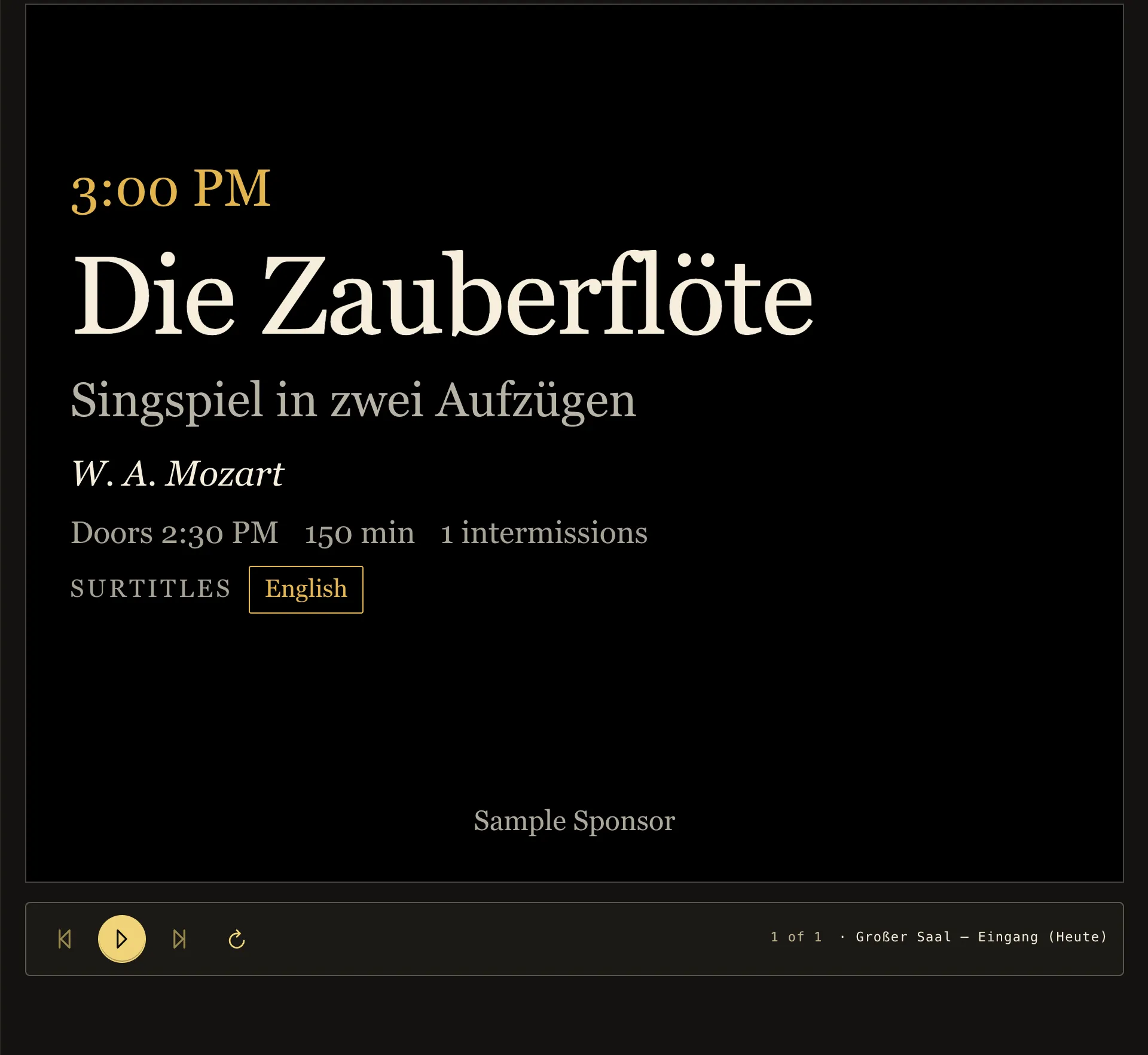
The screen preview in signage42: the portrait entrance panel of the Main Hall with start time, title, composer, running time and surtitle language.
The screen preview: the entrance panel as the screen at the Main Hall door resolves it. At the Studio door the same layout shows that stage’s performance.

Authoring

Trailers, posters, sponsors, foyer bar: everything from one media library

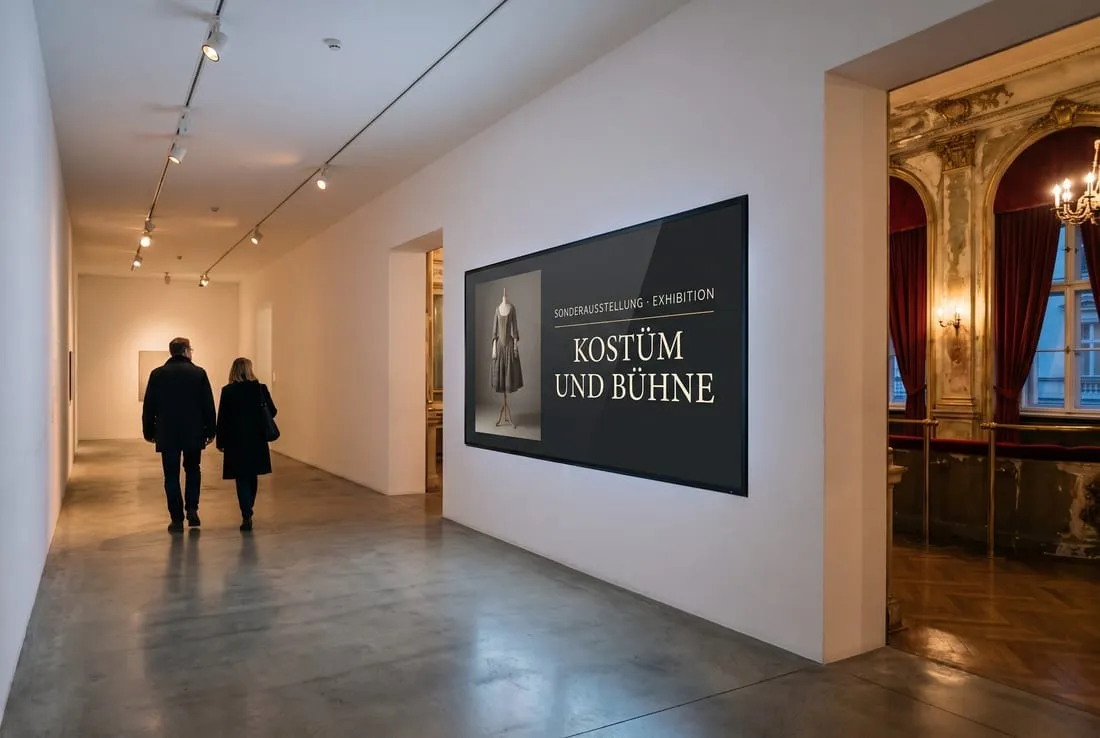
The premiere trailer, the poster for the special exhibition, tonight’s sponsors, the interval offer at the foyer bar, a live web page with directions. Images, video, PDFs and web pages land in the media library by drag and drop, become playlists and play between the programme layouts or in a zone of their own beside them. The preview shows literally what will be on the screen.

  • Images, video, PDF and live web pages in one media library, with folders and access per department or agency.
  • A video brings its own real duration. Playlists run in order or weighted random, with cut or crossfade.
  • Layouts on a grid, landscape, portrait, square or 21:9: programme and campaign side by side on one screen.
  • Marketing moves fast in its own workspace while the house programme stays under approval.

Live notices

Interval. Delay. Emergency. On every affected screen in seconds.

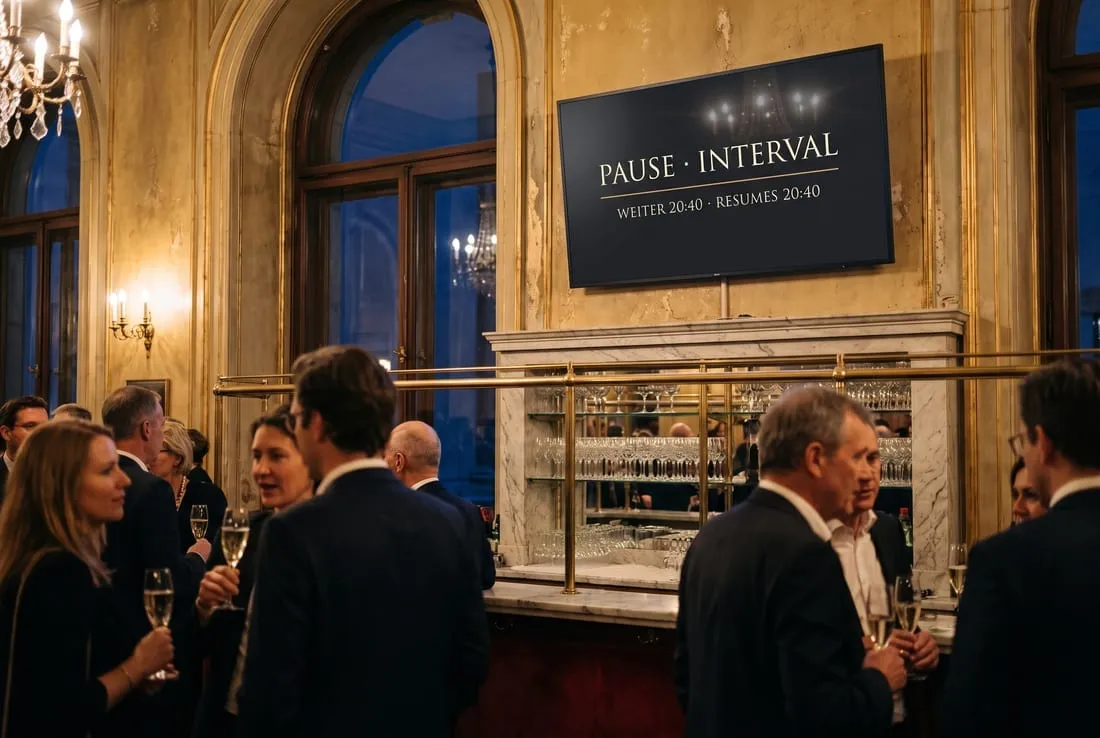
Any message that matters right now: one click, and the affected screens show it at once. Raised by front-of-house in two clicks or directly by your cue or building system. Every notice carries an expiry, so a forgotten one still ends by itself. Try it.

  • One stage, one building, or the whole house. Emergency defaults to everything.
  • Fixed priority: emergency over delay over interval. Nothing to configure, nothing to misread.
  • Emergency content is kept ready on every screen and plays with the network down.

Raise a signal. It expires on its own. Priority: Emergency › Delay › Interval

  • Main Hall · 1
    TonightDie Zauberflöte19:30
  • Main Hall · 2
    TonightDie Zauberflöte19:30
  • Studio Theatre · 3
    TonightDer Kirschgarten19:00

Screens

Paired in a minute. Then it plays, even without the network.

The player runs on a small computer behind the panel or on a smart display. It keeps everything it needs on the device. When the network drops in a listed building with improvised cabling, the foyer never notices.

  • Pairing in under a minute: the panel shows a short code, an operator claims it, the screen is live.
  • Health at a glance: every screen in the house checks in regularly, and the overview shows live who is playing.
  • Seamless transitions: the next content is pre-loaded, no flash of empty zones.
  1. 18:00playing
  2. 18:15network drops
  3. 18:15–20:10keeps playing, from cache
  4. 20:10network is back

Visible in the foyer: nothing at all.

Roles and approvals

Marketing, front-of-house, technical, agency: each sees exactly its own area.

Everyone needs to touch the screens, and none of them should touch each other’s work. Roles, folder permissions and a four-eyes rule per workspace let marketing move fast while the house programme stays under review.

  • Six fixed roles, from read-only to owner.
  • A guest curator or agency sees exactly the folders you grant.
  • Every publish, approval and notice is logged: who, when, what.
  • The interface meets WCAG 2.1 AA, is fully translated, and comes in light or dark.
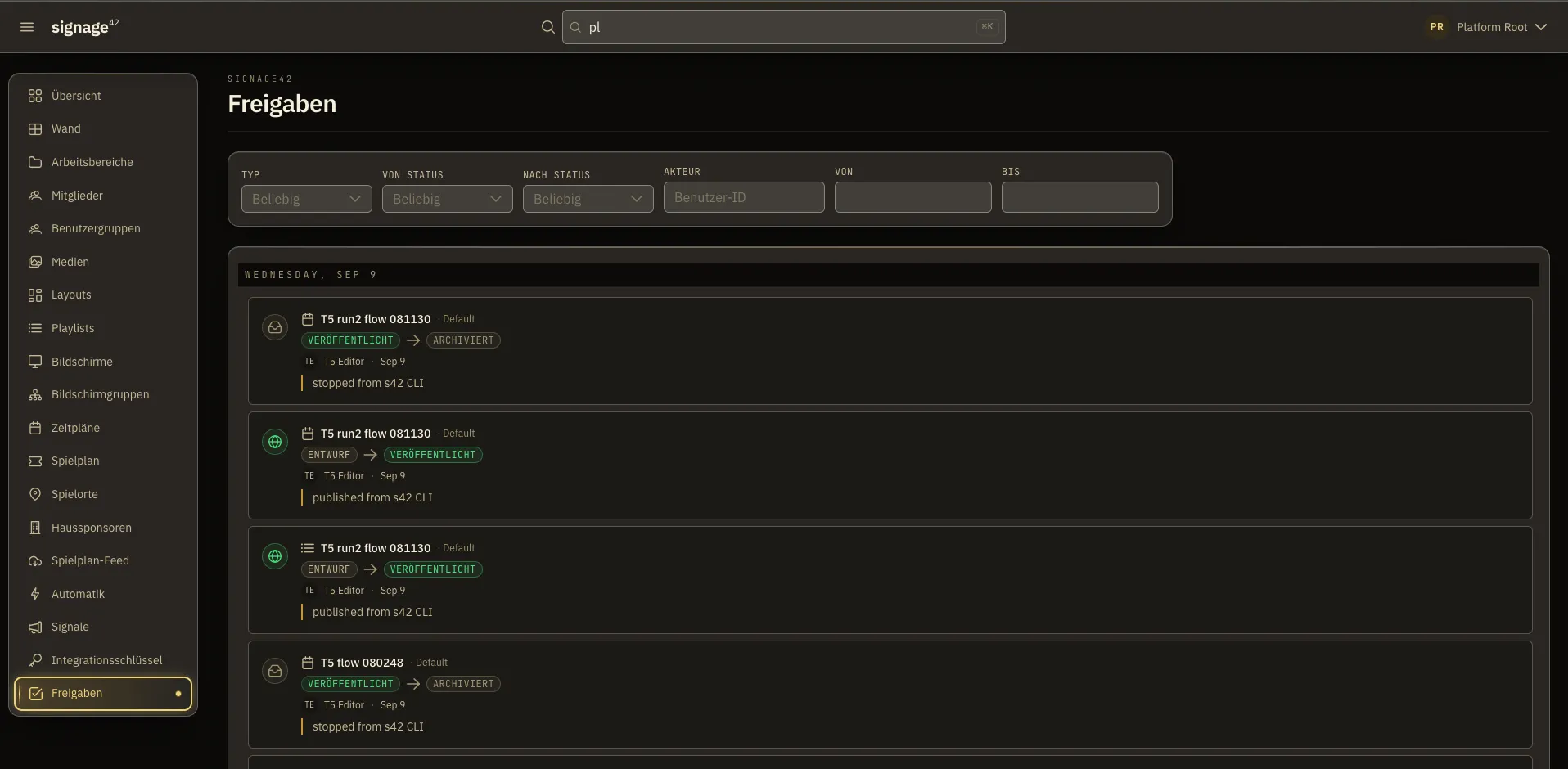
The approvals history in signage42, grouped by day, with state change, person and comment for each entry.
The approvals history: who published what and when, with which comment. Nothing goes live unnoticed.

New

“Put the Rigoletto trailer in the west foyer for the next hour.” That is all it takes.

The signage42 AI assistant uploads, builds the playlist, checks what the screens would otherwise be playing, and asks you before anything goes on air. It acts with your permissions, never more.

Put the Rigoletto trailer in the west foyer for the next hour.
  1. Trailer uploaded
  2. Playlist “Rigoletto” created
  3. Schedule for “Foyer West”, from now, one hour
  4. Checked: Panel 3 would shadow the takeover
  5. Waiting for your confirmation

Deployment

Your data stays where you decide: in the house or hosted.

signage42 runs on your own hardware, in your own data centre, or hosted. Your data stays in the deployment you choose.
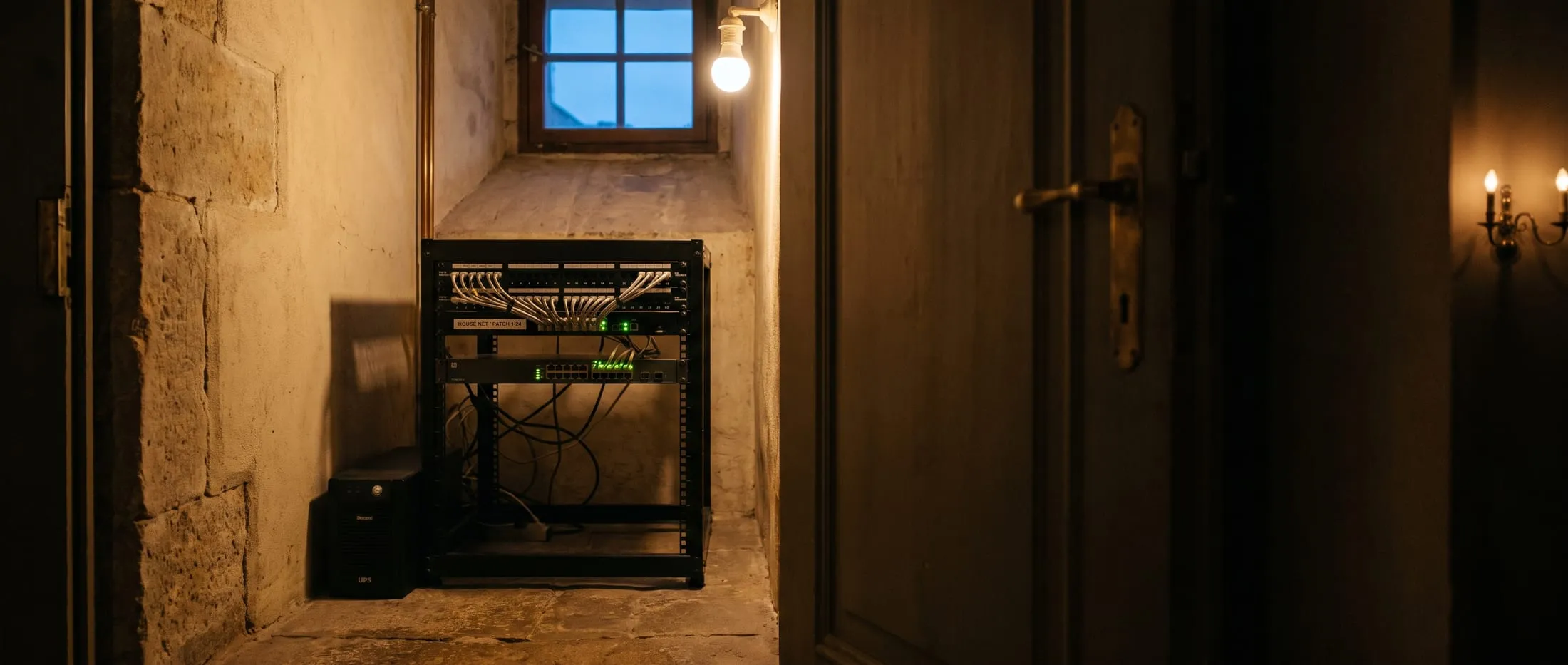
A compact equipment rack, a small UPS and a network switch installed against the bare stone wall of a listed building.

Demo

See signage42 live in half an hour.

We show you signage42 on a sample house, from the hall door to the interval notice, in both languages. Bring the questions of your house.
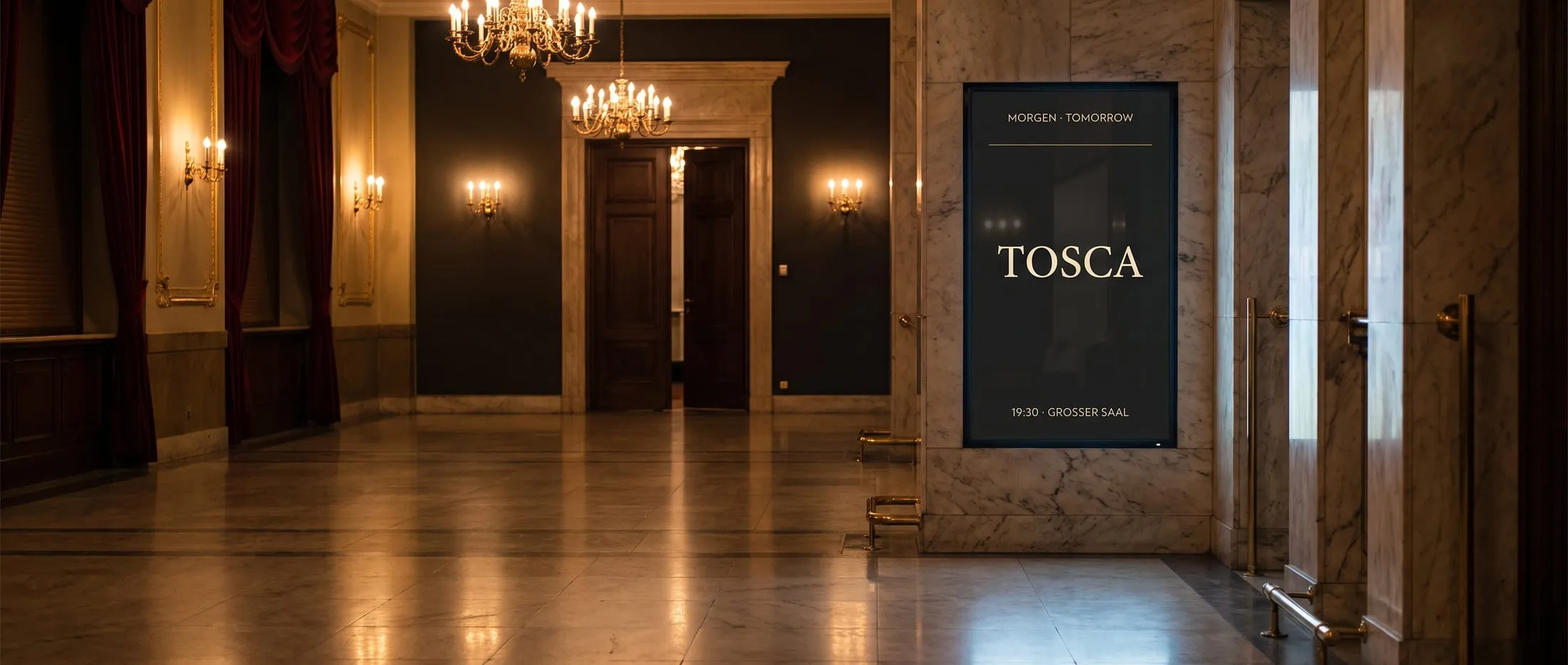
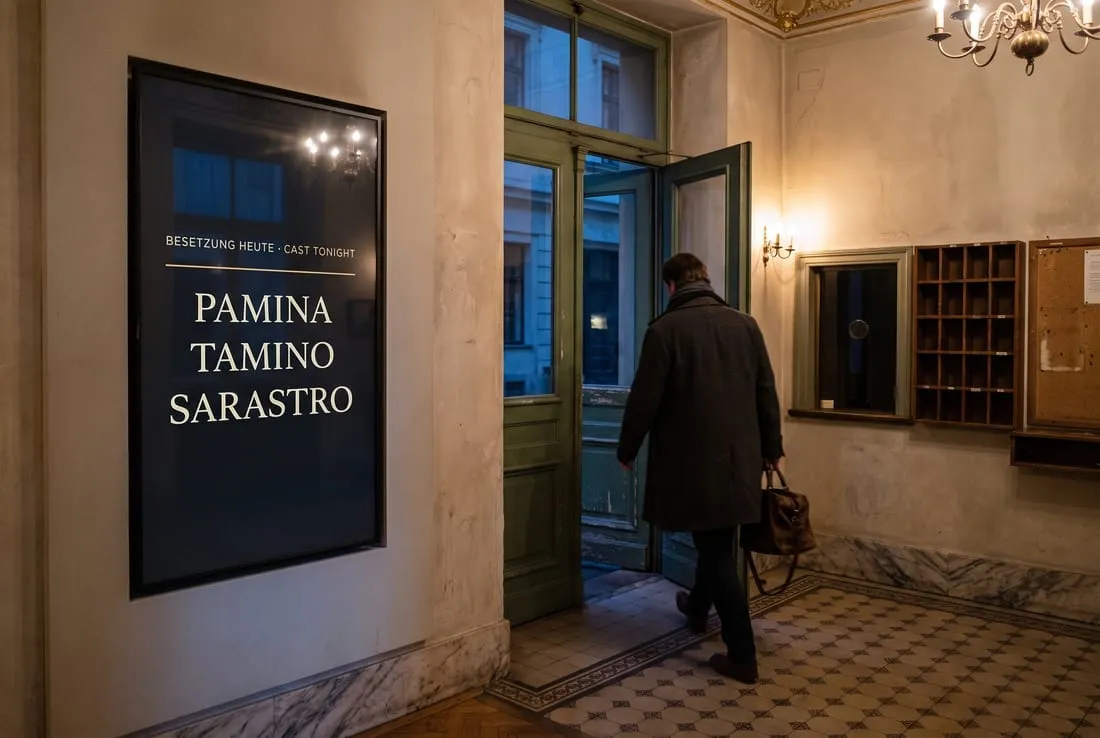
A foyer in the evening: chandeliers, open hall doors and a panel announcing tomorrow’s performance.